Reads under your camera
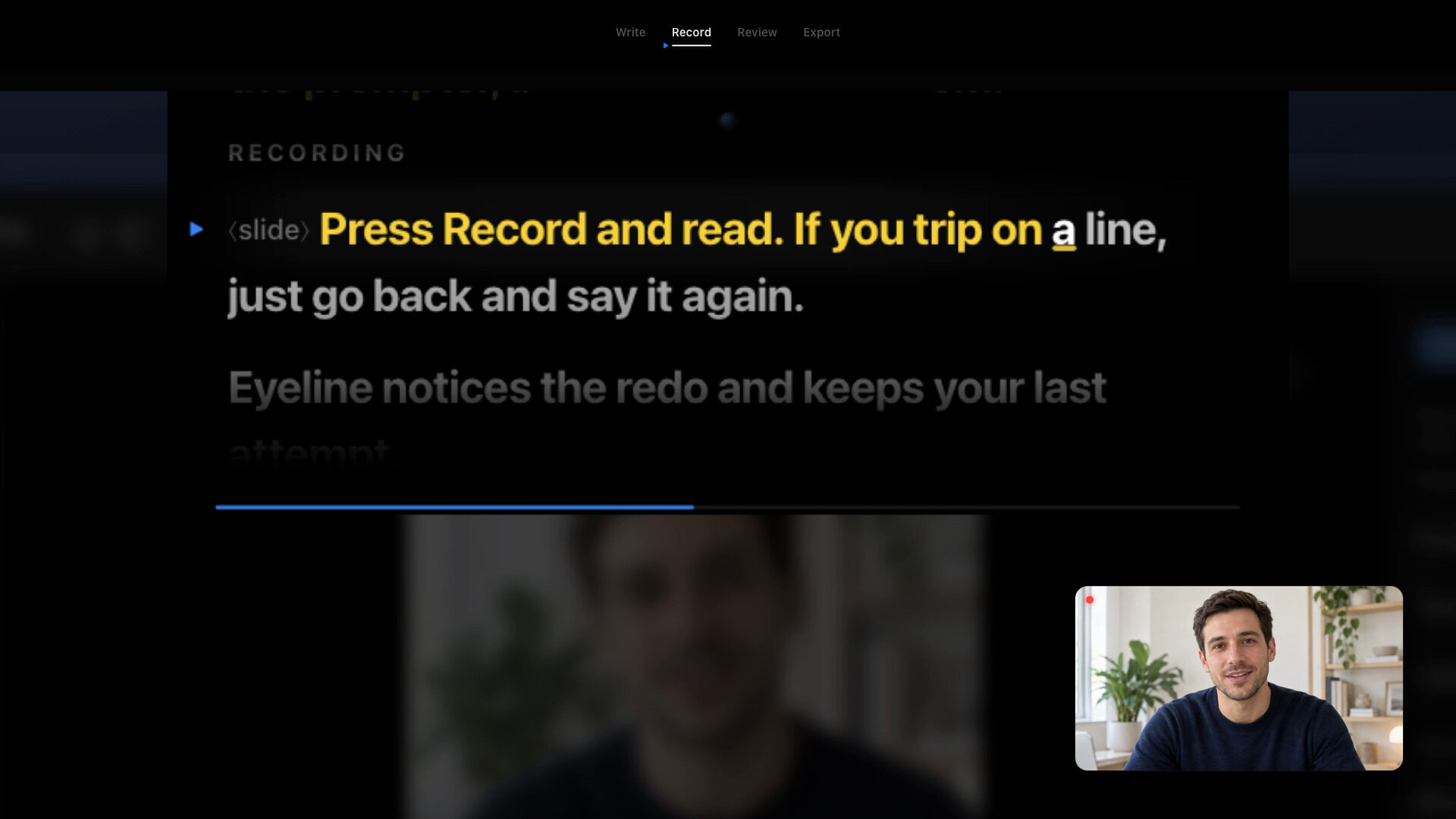
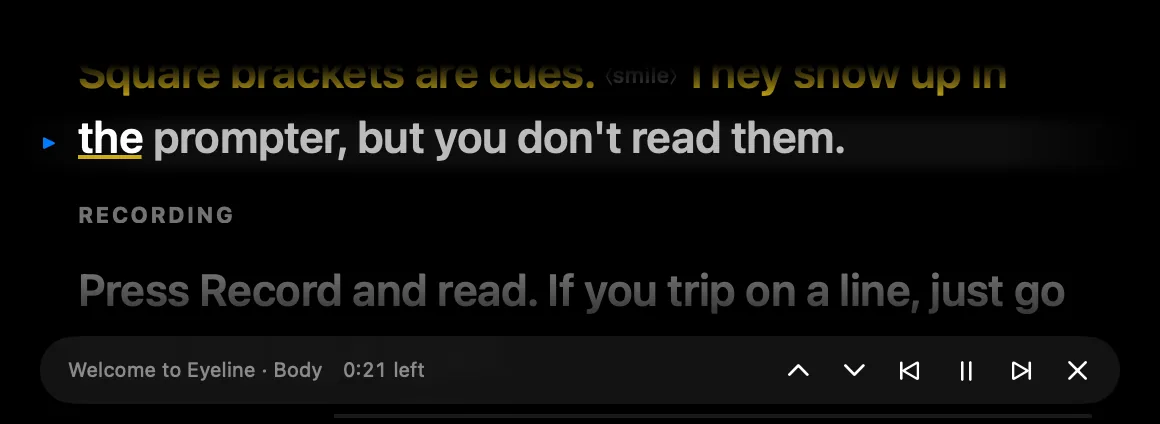
The prompter sits under the MacBook notch, so your eyes stay next to the lens while you record.
Coming soon for Mac
Eyeline is a teleprompter for Mac that records you while you read, then cuts the flubs, redos and long pauses.
One-time purchase. No subscription. No account.
The film
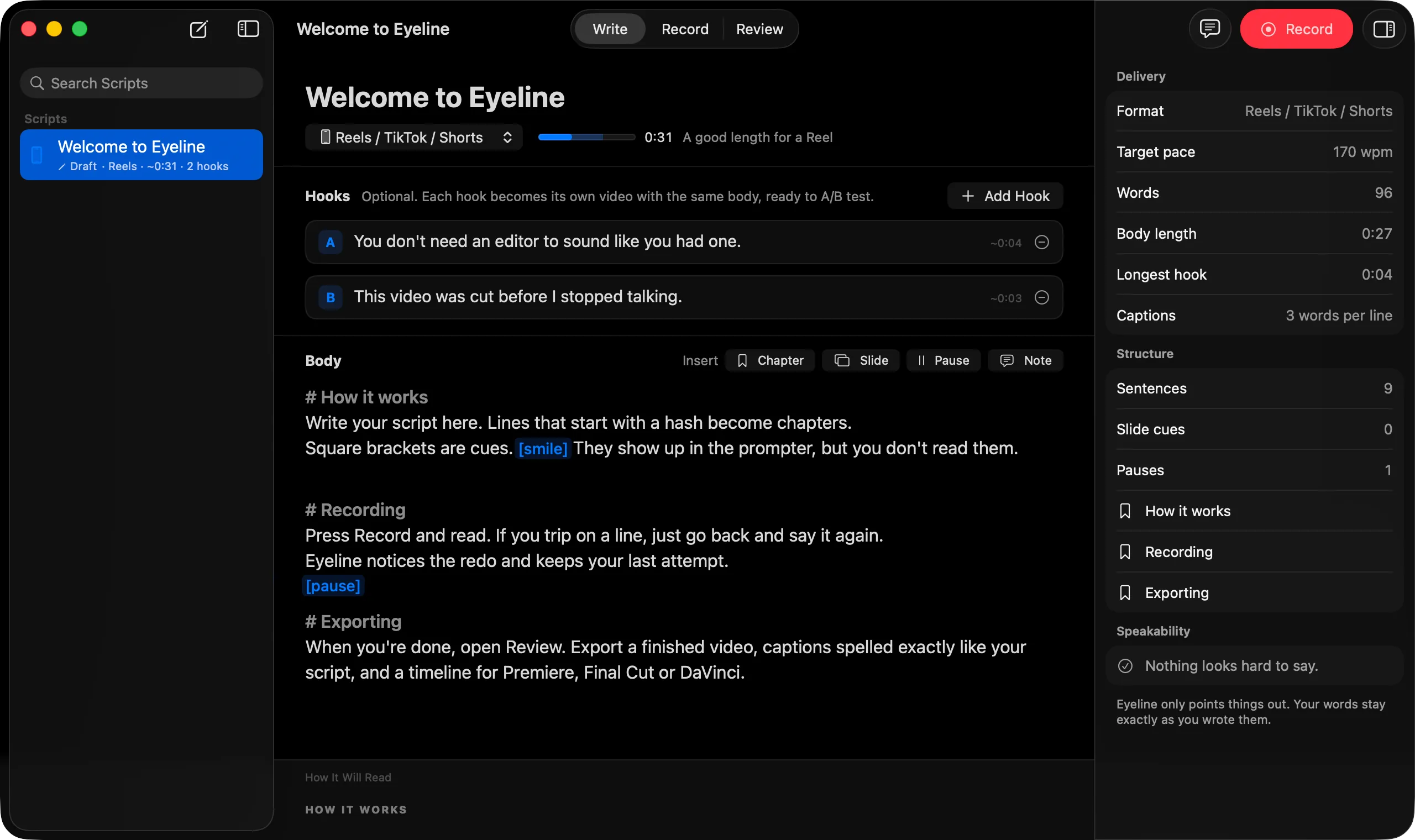
Write, record, review and export, start to finish.
Features
The prompter sits under the MacBook notch, so your eyes stay next to the lens while you record.
Word tracking runs on your Mac and keeps your place as you speak.
Restart a line and Eyeline jumps back with you. The rough cut keeps your last attempt.
SRT and VTT captions use the exact words of your script.
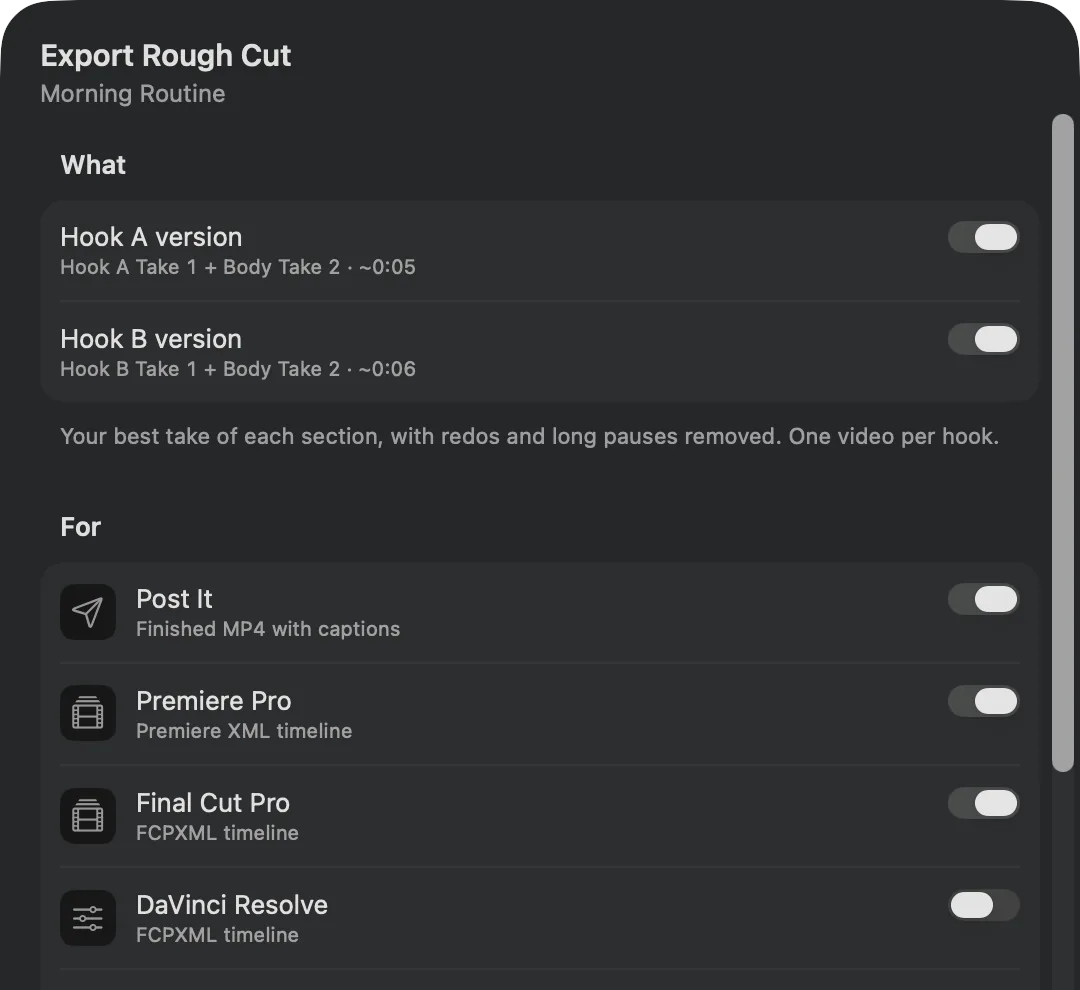
A finished video, or a timeline to keep editing.
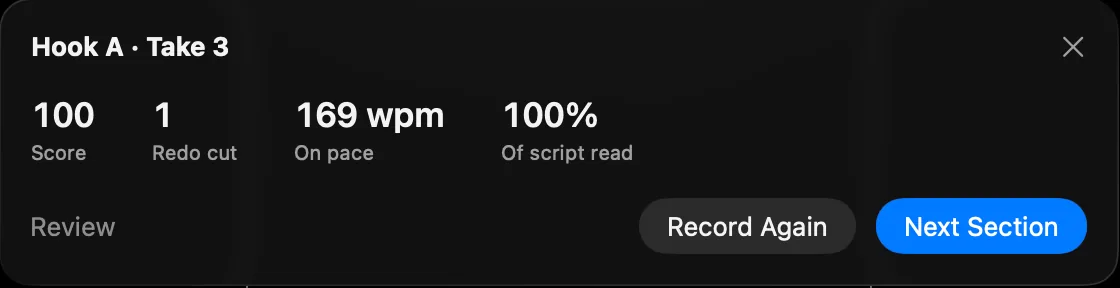
Every take is analyzed in the background. The waveform shows what was kept and what was cut, and the best take is picked for you.

Creators
Reels, Shorts and YouTube videos.

Educators
Course lessons and lectures.

Podcasters
Video intros and segments.

Founders
Product demos and updates.
How it works
01
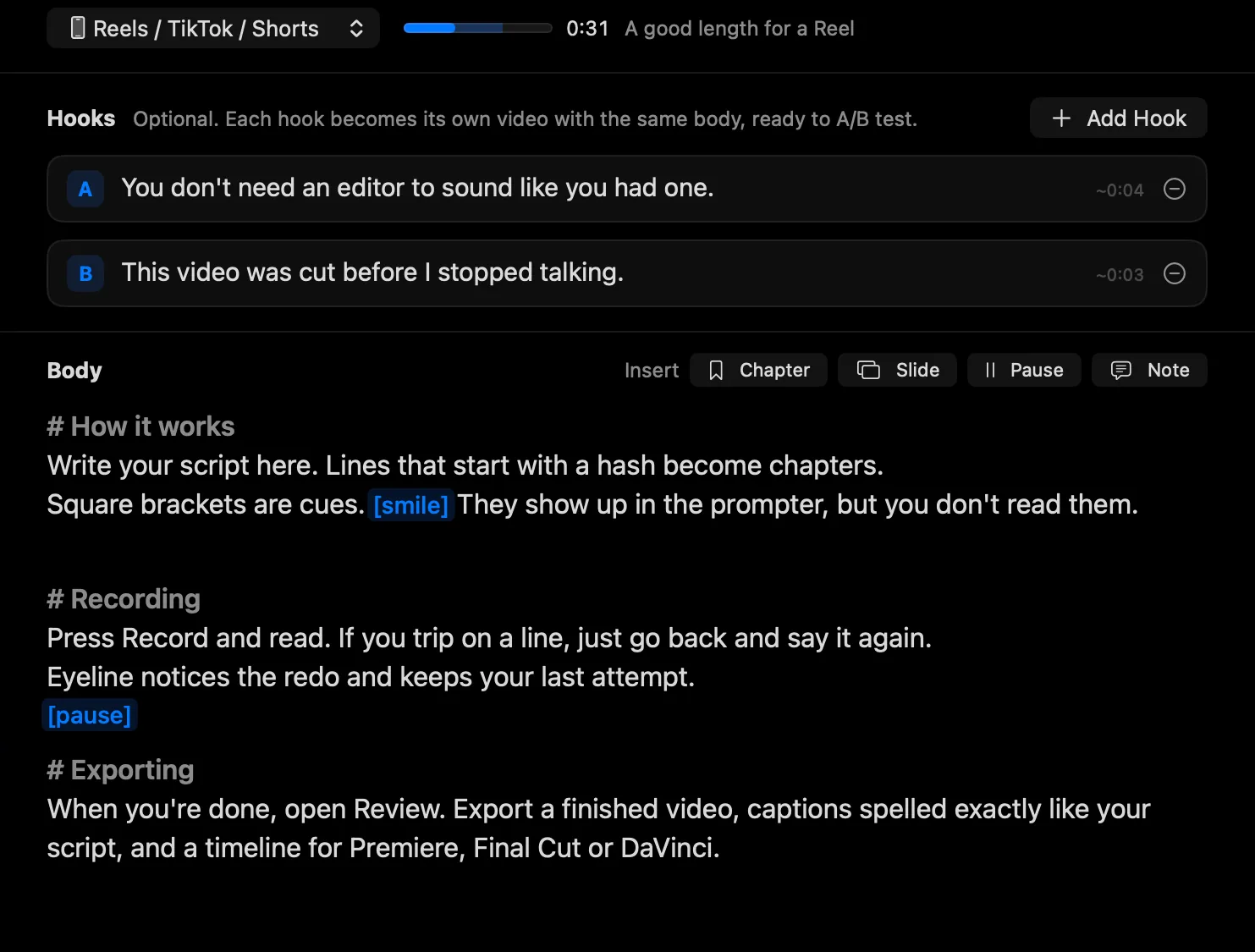
Write or import your script, with chapters, slide cues and pauses.
02
Read it under the notch. Trip on a line? Say it again.
03
See what was kept and what was cut. The best take is picked for you.

04
Post a finished video, or open a timeline in your editor.
Made for Mac
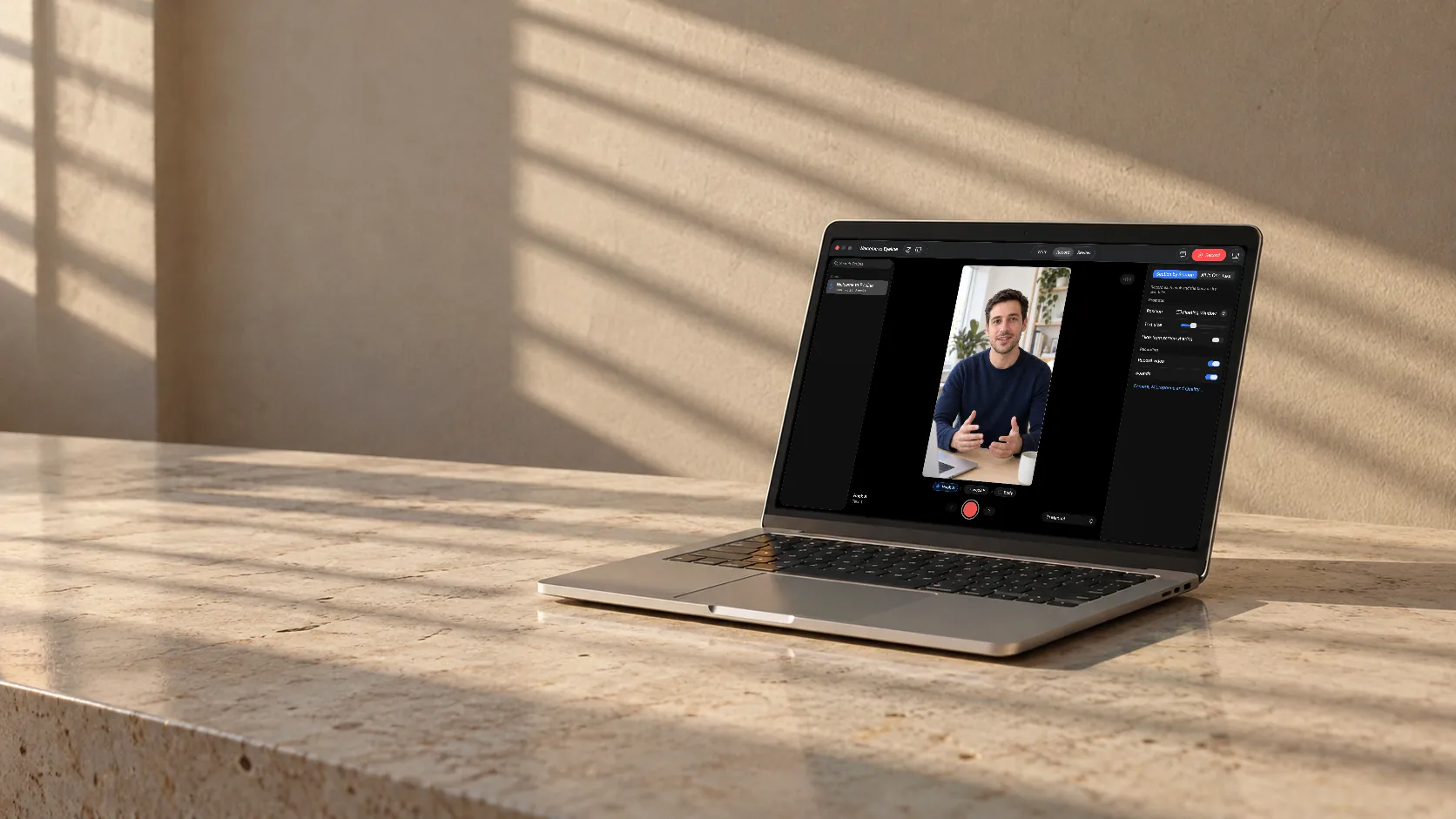
Read every word without looking away. When you're done, the redos are already gone.
True today
Word tracking and take analysis happen on-device. There are no servers.
Write, record, review and export without an internet connection.
No sign-up. Scripts and recordings stay in folders on your Mac.
The prompter can stay out of screen shares and recordings.
Timelines for Premiere Pro, Final Cut Pro and DaVinci Resolve.
The prompter sits under the MacBook notch, right next to the camera.

[Manav to write: a short note on why he built Eyeline.]
Pricing
One-time payment
$89USD
Pay once, use forever.
No subscription: Eyeline runs on your Mac and has no servers to keep paying for.
Get NotifiedComing soonAvailable for macOS 15 or later.
FAQ
Yes. Eyeline is built for Mac. There's no iPhone, iPad or Windows version.
No. Eyeline is $89, a one-time purchase.
Yes. Recording, word tracking, take analysis and export all run on your Mac.
Premiere Pro (XML), Final Cut Pro and DaVinci Resolve (FCPXML), plus OpenTimelineIO and EDL for other editors. You can also export a finished MP4, SRT and VTT captions, and YouTube chapters.
No. There are no accounts and no servers. Your scripts and recordings stay on your Mac, in your Movies folder by default.
macOS 15 or later. The prompter can sit under the camera notch on a MacBook, or use a floating window or full screen on any display.

Eyeline is coming soon for Mac. Leave your email and we'll let you know when it's out.
One-time purchase. No subscription. No account.
Sign-up isn't open yet. Nothing you type here is sent or stored.